AI-Powered Email Image Personalization: Deliver Unique Visual Experiences at Scale
Email images have been static for decades. You upload a hero shot, hit send, and hope it catches someone’s eye. But your subscribers are individuals — different locations, different browsing history, different intent. What if the image in your email could change for each person, automatically? That’s what AI email image personalization does: it generates or selects a unique visual for every subscriber the moment they open the message. No manual design. No batch processing. One email template, thousands of tailored images. The data backs it up: Campaign Monitor found that emails with personalized images see up to 29% higher click-through rates. The shift from one-size-fits-all to one-to-one visual storytelling isn’t just futuristic — it’s already boosting conversions for brands that move fast.
4 Types of AI-Powered Image Personalization You Can Launch This Week
You don’t need a Ph.D. in machine learning to start. These four approaches use subscriber data you already collect.
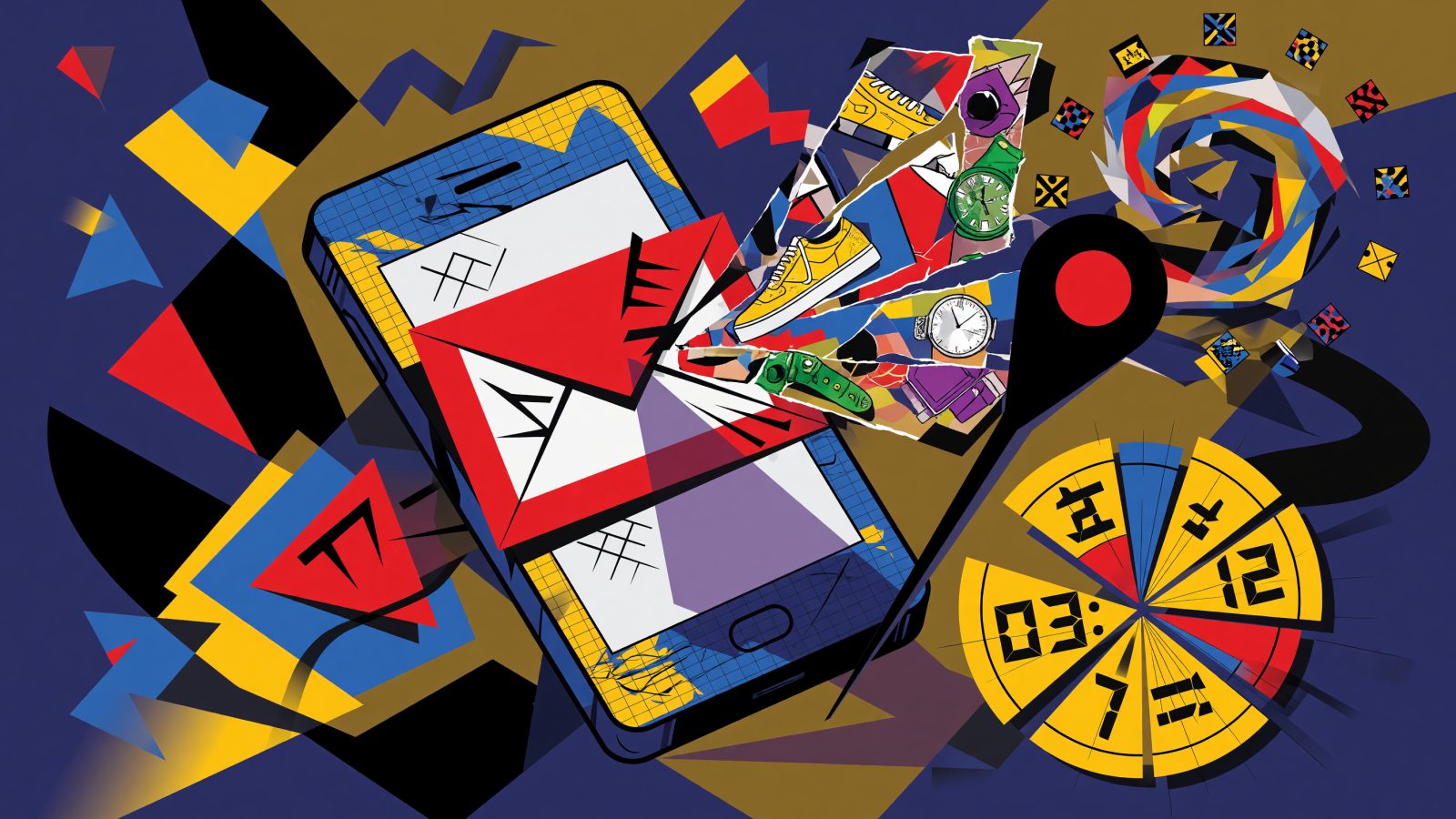
Product recommendation collages. Instead of a generic “You might like” shelf, AI pulls a subscriber’s recent browsing history and arranges those exact products into a single image. Platforms like Nosto or Dynamic Yield let you connect your catalog and set up rules: “Show last-viewed items in a grid, fallback to bestsellers.” A home decor brand might send a collage of three sofas the customer compared, all with prices and star ratings baked into the image.
Location-based maps. Embedding a personalized map turns an email from “visit us” to “here’s your nearest store, 0.7 miles away.” Tools like the Mapbox Static Images API accept a zip code or IP-derived location from your ESP. You build a URL with merge fields, and Mapbox returns a crisp static map with a custom marker. Real estate companies use this to show open houses near a renter’s search area.
Countdown timers. Deadlines feel more urgent when you see seconds ticking away. Services like Sendtric or a simple serverless script can generate a countdown image tied to a subscriber’s timezone and the exact end of your sale. A 24-hour flash promotion email can show a live timer counting down from the moment of open — not the send time — making every open feel immediate.
Personalized fee displays and data visualizations. Travel brands show a weather forecast for a subscriber’s upcoming trip. Insurance providers generate a custom premium estimate image with the person’s name and coverage details. A SaaS company might display a usage dashboard screenshot generated just for that user. All you need is a template and a pipeline to overlay numbers onto a branded background.
A practical example: an e-commerce brand triggers an abandoned cart email. Instead of listing product names, the email contains an AI-generated image of the exact three items left in the cart, arranged beautifully with the total savings highlighted. The click-through rate jumps because the visual mirrors what the shopper already had in mind.
Top Tools for Building Your AI Email Image Pipeline
You have options spanning plug-and-play to fully custom.
Movable Ink dominates enterprise with dynamic content blocks that do everything — countdowns, live polls, weather-based images. It plugs into Salesforce Marketing Cloud, Adobe Campaign, and others via a simple HTML snippet. The trade-off: it’s pricey, and you’ll need a dedicated creative team.
NiftyImages is the friendliest for SMBs and marketers who don’t code. You set up timers, live maps, or personalized text images right in its web app, then paste a snippet into Mailchimp, Klaviyo, or HubSpot. It handles the image server and CDN, so you skip infrastructure headaches.
Bannerbear gives you an API-first approach. You design a template with dynamic layers (text, image slots) and then trigger generation via Zapier or a webhook when a new subscriber event fires. It’s excellent for product collages and custom quote sheets.
For teams comfortable with code, open-source routes unlock total control. Python’s Pillow library can composite images server-side. The OpenAI DALL·E API can generate entirely new visuals from natural language prompts — say, “A kitchen with [subscriber’s saved paint color] accent wall.” Generation time and cost per API call need attention, but the creativity potential is sky-high.
The key to all these tools: they deliver images through a dynamic URL that your ESP calls at open time. You don’t upload anything; you embed an image tag that looks like <img src="https://your-generator.com/image?user_id=*|USER_ID|*&product=*|RECOMMENDED_SKU|*" />. Your ESP merges in the subscriber’s data, and the tool’s server responds with a freshly baked JPEG.
How to Integrate Without Breaking Your Email Workflow
The mechanics matter. Here’s the architecture.
You host a generation endpoint — either a third-party service’s URL or your own serverless function on AWS Lambda or Cloudflare Workers. When an email client requests the image, the function reads the query parameters (user ID, segment tags, etc.), fetches the relevant data from your warehouse or API, renders an image, and returns it. This all happens in a few hundred milliseconds.
Caching is tricky. Gmail proxies all images and caches them aggressively. If a subscriber opens the same email again, they may see the first generated image — not a live update. To ensure freshness, you can append a cache-busting timestamp or, better, generate the image at send time for one-time use. For repeated opens (like a countdown timer that should tick down), you’ll need to set short cache-control headers and potentially use unique URLs per campaign, but Gmail may still cache. Movable Ink and NiftyImages handle this with specialized delivery logic; if you roll your own, know the limitation.
Always provide a static fallback. Some email clients block images entirely. Your <img> tag should include a fallback attribute or simply have robust ALT text: “Your three recommended sofas: Oslo in gray, Bergen in navy, and Reykjavik in oatmeal.” When images don’t load, that ALT text still communicates the personalization. A default static image (like your logo or a generic hero) hosted at a simple URL can also be swapped in via a fallback parameter.
Tracking clicks on a personalized image requires wrapping it in an <a> tag with UTM parameters. Most tools let you add click-through URLs per region in the image itself. For deep analytics, Movable Ink and Bannerbear offer built-in impression tracking that records exactly which dynamic image variant was served to which user — useful for segmentation after the send.
Best Practices to Keep Your Emails Fast, Accessible, and Non-Creepy
Personalization walks a fine line. Done poorly, it feels invasive or breaks rendering.
Performance. Keep image file sizes under 100KB. Use WebP format where email client support allows (Apple Mail, some Gmail builds), with a JPEG fallback. Compress aggressively — a 50KB countdown timer loads instantly even on mobile. If your images take too long to generate, your open tracking may fire before the image appears, skewing metrics. Warm up your generation endpoint with concurrent testing before a large send.
Rendering testing. Preview how your dynamic images behave across Outlook, Gmail, Apple Mail, and dark mode. Litmus or Email on Acid can help. Outlook on Windows uses Word’s rendering engine and often clips large images; keep widths under 600px and avoid complex CSS in image overlays.
ALT text as copy. When images are blocked, the ALT text becomes your hook. Write it like micro-copy: “Your personal 15% off coupon: code SAVE15LISA expires in 2h.” That’s more compelling than “Image of coupon.” It also improves accessibility for screen readers.
A/B test incrementally. Don’t overhaul everything at once. Split a segment of your list and compare a personalized product collage against your best-performing static image. Measure click-through rate, conversion rate, and revenue per email. The 29% uplift stat is an average; your audience may respond differently, and only testing tells.
Don’t be creepy. Showing a map with the subscriber’s street address is overkill. Stick to city-level or zip-level precision for location imagery. If you display past purchase data, frame it helpfully — “You left these in your cart” — not “We’re watching what you browse.” Give subscribers a clear preference center where they can opt out of behavioral personalization. Brand consistency matters too: the AI-generated image should still feel like your brand, not a generic algorithmic output.
AI email image personalization isn’t a gimmick. It’s a logical next step for marketers who already personalize subject lines and product recommendations. By putting the effort into the right tools, a solid integration, and smart fallbacks, you can turn every email from a broadcast into a private invitation — and watch engagement climb accordingly.
Keep reading
AI-Powered Weather-Triggered Emails: Automate Hyper-Relevant Campaigns That React to Local Conditions
AI-Powered Email Marketing for Doctors: Automate HIPAA-Compliant Patient Engagement and Appointment Growth