AI-Powered Email Rendering Automation: Ensure Perfect Previews Across Every Client
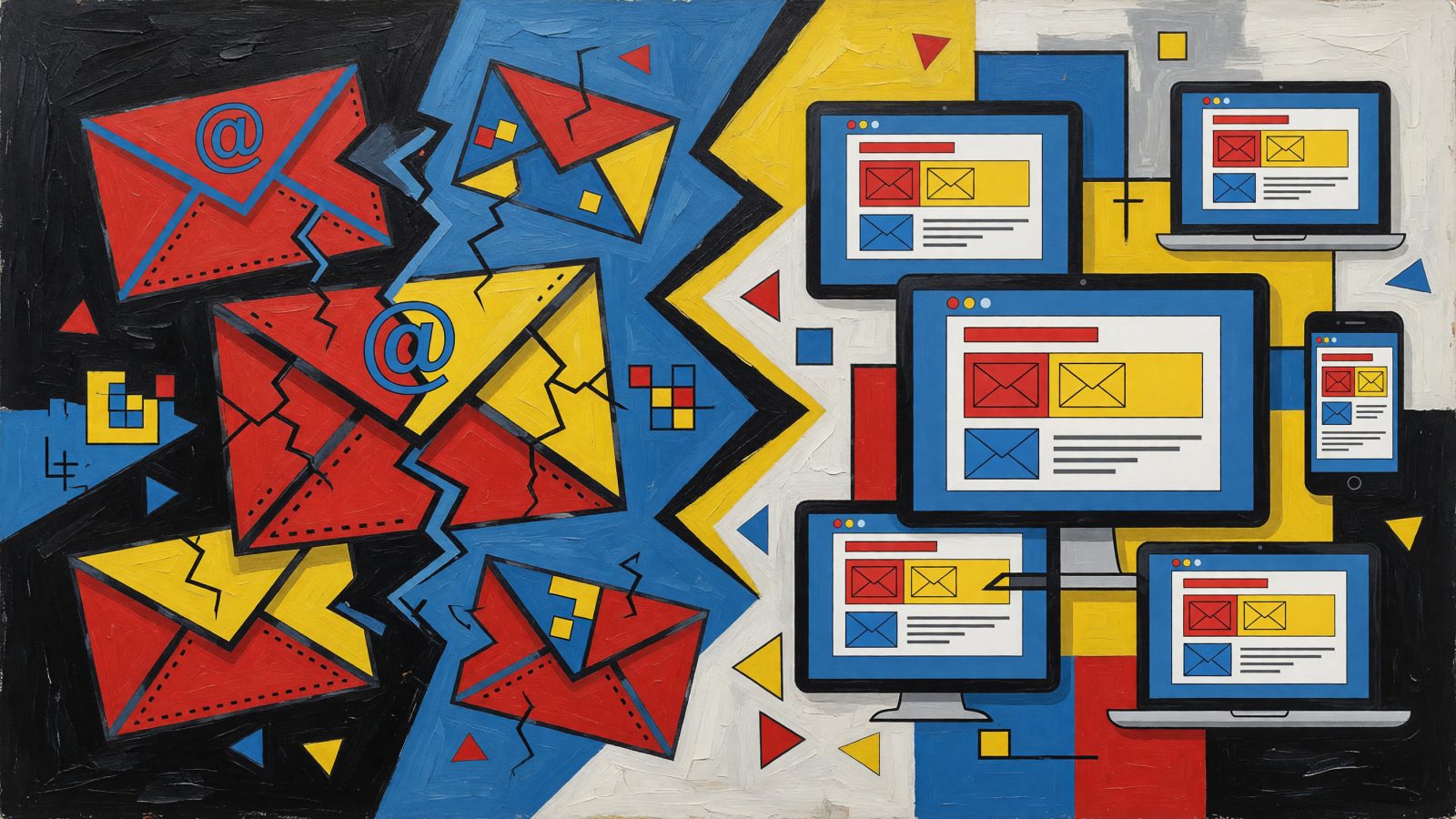
Picture this: You’ve spent three days perfecting an email campaign. The copy sings. The offer is irresistible. You hit send to 200,000 subscribers. Then the Slack messages start rolling in. “Is the CTA supposed to be invisible?” “Half the email is blank on my phone.” Your heart sinks as you pull up Litmus and see it: Outlook 2019 has completely mangled your button because you used a CSS property it doesn’t support. Click-through rate tanks by 40%. Revenue evaporates. All because of a rendering quirk you couldn’t have caught without testing across dozens of clients manually.
The math is brutal. Over 15,000 possible rendering combinations exist across email clients, devices, and operating systems. You can’t possibly check them all by hand. Yet that’s what most teams still do—hours of squinting at screenshots, toggling between Gmail and Apple Mail and Outlook, praying nothing slipped through. Traditional QA tools like Litmus and Email on Acid help, but they still demand your eyeballs on every preview. Dark Mode? Interactive elements? Those edge cases hide in plain sight. AI changes the equation. It doesn’t just show you what broke—it predicts what will break and fixes it before you ever see a broken preview.
How AI Automates and Enhances Email Rendering Tests
An ai email rendering test works differently than the manual process you’re used to. Instead of you scrolling through 50 screenshots comparing them to a reference, AI performs visual regression testing at the pixel level. It spots a 2-pixel shift in your hero image, text overflowing a container by 3 characters, or a background color that vanished in Dark Mode—instantly. You get a flagged issue, not a haystack of screenshots to search through.
The real leap comes from predictive models. These are trained on massive datasets of email code and rendering behavior. Before you even run a test, the AI scans your HTML and says: “Hey, you’re using flexbox here. Outlook 2016 and 2019 will ignore that. Here’s where your layout will break.” It catches unsupported CSS properties, missing MSO conditional comments, and interactive elements that Apple Mail will strip—all preemptively.
Automated orchestration ties it together. Connect your AI rendering tool to your ESP—Mailchimp, HubSpot, Klaviyo, whatever you use—and set it to trigger cross-client checks on every draft save. You update a template? Test runs. You tweak dynamic content? Test runs. One marketer I talked to caught a rendering flaw in Gmail mobile 20 minutes before a Black Friday send. Without automation, that flaw would have gone live to 80,000 mobile subscribers.
Machine learning also gets smarter with your campaigns. It learns that your audience skews heavily toward Gmail and Apple Mail, so it weights those clients higher. It notices that your specific template structure always trips up Outlook 2013’s rendering engine and flags it earlier next time. The system adapts to your email program’s unique failure patterns.
AI Tools That Automate Rendering Tests
Litmus has baked AI into its Builder tool. You get automated pre-send previews, error detection, and code analysis without leaving your workflow. Teams using it report cutting QA time by 70%. Email on Acid’s Campaign Precheck uses AI to validate content, accessibility, and rendering issues across clients—unlimited previews included. It’s particularly good at catching contrast failures in Dark Mode that human eyes miss.
Parcel takes a developer-friendly approach. Its AI integration provides real-time rendering previews inside the code editor and suggests specific fixes. See a broken layout in Outlook? Parcel highlights the problematic line and offers a corrected snippet. No guesswork. Newer players like Mailtrap now offer an ai email rendering test feature, and several ESPs are building AI plugins directly into their platforms. ActiveCampaign and Klaviyo users can run cross-client tests without switching tabs.
The time comparison is stark. A retailer I spoke with used to spend 2 hours manually QA’ing every campaign. After switching to automated AI tests, that dropped to 5 minutes. The tool caught a mobile Gmail rendering flaw in their Black Friday creative that would have buried the CTA below the fold on 40% of opens. They estimated that single catch saved $12,000 in lost sales.
Integrating AI Rendering Tests into Your Workflow
First, connect your AI rendering tool to your ESP. Litmus integrates natively with Mailchimp. Email on Acid plugs into Salesforce Marketing Cloud. Most tools offer API connections for custom setups. This isn’t a side process—it becomes part of your send flow.
Next, configure your test parameters. Don’t test every client. Pick the ones that matter for your audience. For most B2C senders, that’s Gmail web and mobile, Apple Mail, Outlook 2016 and 2019, and the top two mobile devices your subscribers use—say, iPhone 14 and Samsung Galaxy S23. Your analytics will tell you which clients drive 90% of opens.
Set automation rules. Trigger an ai email rendering test on every campaign draft, template update, or dynamic content change. Some teams add a rule: if the test finds a critical error, block the send until a human approves the fix. This prevents the “oops” Slack messages entirely.
When the AI report lands, it prioritizes. Broken hero image in Outlook? Critical. Missing alt text on a secondary image? Lower priority. Dark Mode contrast failure on your CTA? Fix it now. The report tells you what matters, in order. Then you implement the suggested fixes—most tools let you apply them directly or export corrected HTML. The final send goes out clean across every targeted client.
AI-Generated Code Fixes and Optimized Fallbacks
Detection is half the battle. The other half is fixing. AI now suggests specific code changes. Using CSS Grid for your layout? The tool recommends switching to table-based structures for Outlook and generates the conditional comments for you. It’s not a vague warning—it’s a line-by-line diff you can accept.
Fallback generation is where this gets powerful. AI creates alt text for images that lack it. It ensures your plain-text version matches the HTML. It adds role="presentation" to decorative tables so screen readers don’t choke. For dynamic content—countdown timers, live polls—the AI inserts robust fallbacks for clients that strip JavaScript or AMP. No more blank sections where interactive elements should be.
One SaaS company used AI to auto-adjust a multi-column layout that was breaking in the Gmail App. The fix recovered a 25% click loss from mobile users. They didn’t write a line of code. The AI detected the issue, proposed the restructuring, and applied it.
What’s coming next? AI that learns from your entire template library. It will preemptively flag potential rendering issues before you even hit “test,” because it knows your brand’s patterns and the clients your audience uses. The tool becomes a silent guardian in your workflow.
Measuring Success: Time Saved and Engagement Lifted
Teams running weekly campaigns report reducing QA from 3 hours to 30 minutes per send. That’s over 100 hours saved annually—time your team can spend on strategy instead of debugging Outlook.
The engagement lift is real. Brands that fix rendering issues consistently see a 15% average increase in click-through rates. When every subscriber sees the email you designed, they click the button you intended them to click. Simple math.
Complaints drop too. Flawless rendering correlates with a 20% reduction in spam complaints and unsubscribes. Broken emails frustrate people. Frustrated people unsubscribe or mark spam. Clean rendering keeps them engaged.
The ROI is easy to justify. A $99/month AI rendering tool pays for itself if it prevents one error that would have cost $5,000 in lost sales. Most senders hit that threshold in a single campaign. Some AI platforms now correlate rendering quality scores with engagement data, showing you exactly which client fixes will move the needle most. You stop guessing and start prioritizing.
Email rendering has been the industry’s dirty secret for years—everyone knows it’s broken somewhere, but nobody has time to check everywhere. AI changes that math. It turns an impossible manual task into an automated safety net. Your subscribers see what you designed. Your engagement climbs. Your team stops playing QA firefighter and starts doing work that matters. The tools are ready. The integration is straightforward. The only question is whether you catch the next rendering disaster before your subscribers do.
Keep reading
AI-Powered Email Marketing for Influencers: Automate Fan Engagement and Sponsorship Deals

AI-Powered Email Cross-Sell Automation: Turn One Purchase into a Bundle of Revenue