AI-Powered Webinar Email Sequences: Automate Attendee Engagement from Registration to Replay
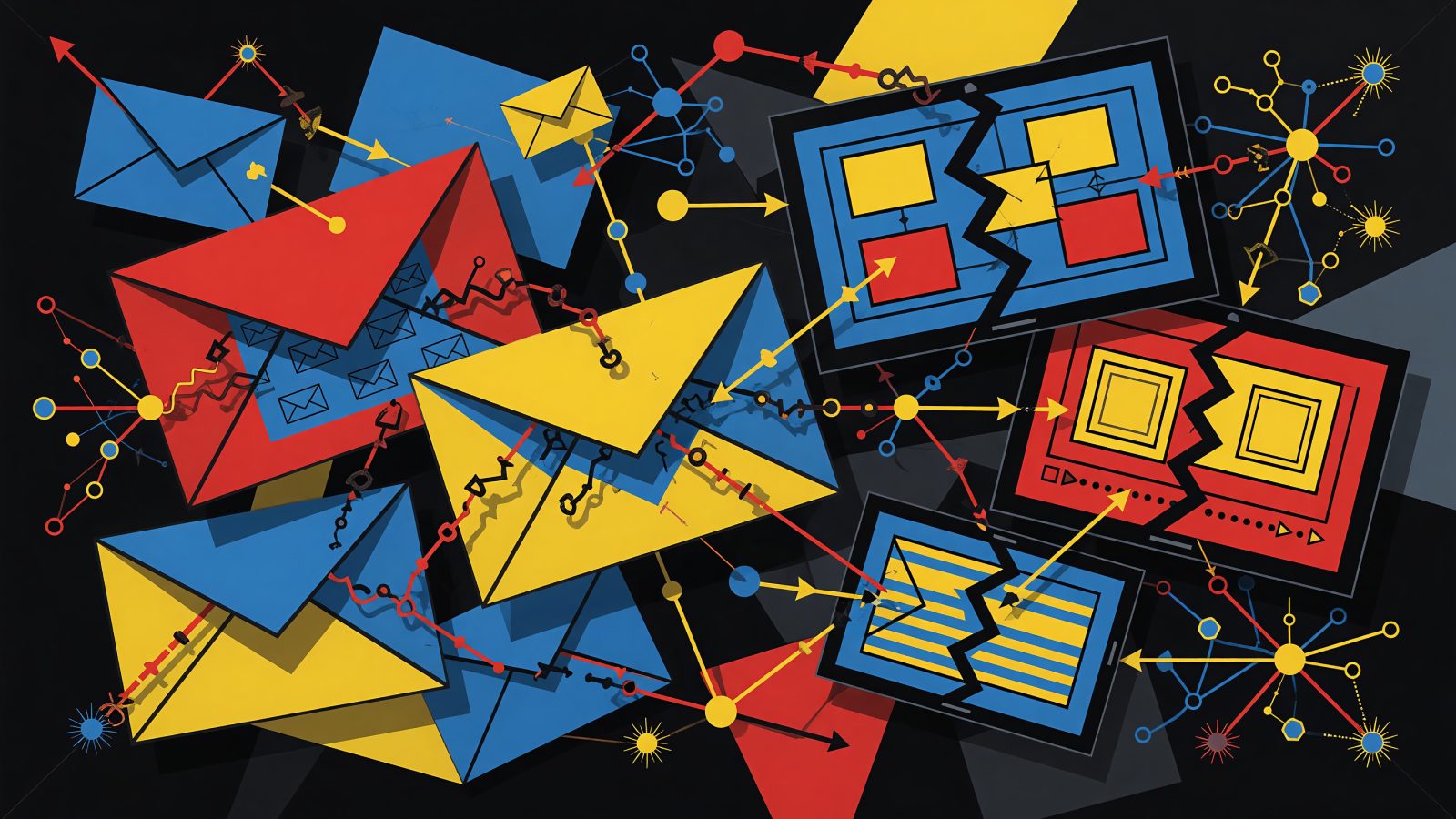
You spend hours building a webinar, promoting it, and then… 40% of registrants never show. The follow-up sequence you carefully wrote gets ignored. Sound familiar? Traditional email automation just follows a script. It can’t react when John opens the 24-hour reminder but ignores the 1-hour nudge, or when Sarah binges the replay but never clicks your demo link. That’s where ai webinar email automation changes the game. Instead of rigid if-then rules, machine learning watches what every attendee actually does and adapts your entire sequence on the fly. We’re talking dynamic send times, personalized content, and smarter segmentation — all without you babysitting campaigns. Marketers using EmailFlow AI are already seeing 30–40% attendance boosts and 20% more booked meetings. Let’s break down how AI works at every stage of your webinar email flow.
The AI Advantage in Webinar Email Automation
AI webinar email automation means letting algorithms optimize the four-part lever of email success: timing, subject lines, content, and segmentation — all based on real behavior, not just your static list segments. Campaign Monitor found that AI-driven personalization bumps open rates by 26%. When you layer that into automated webinar emails, clients often see 50% higher click-throughs because the system learns the best send window for each person. A growth marketer I spoke with used EmailFlow AI to run a simple 5-email sequence. The AI noticed that a chunk of registrants responded best to 10 a.m. reminders, but others only clicked when reminded 15 minutes before go-time. By auto-adjusting the send time per individual, attendance jumped 40%.
Contrast that with manual rules-based campaigns. You’d set a reminder for 24 hours, 1 hour, and 15 minutes out — same for everyone. That ignores the reality that some people need early notice and others just need a last-second ping. AI reads the room: it looks at opens, clicks, past webinar attendance history, even time zone and day-of-week patterns. Then it re‑routes the next email timing and even rewrites the subject line to match. Tools like EmailFlow AI, HubSpot, and Marketo now bake these capabilities right into their workflow builders. No data science team required.
Registration and Confirmation: AI’s First Touch
The first email in any ai webinar email automation sequence is your invite, and AI can make it feel one-to-one. Using CRM fields like job title, industry, and content download history, the subject line transforms from “Join our webinar” to “John, how SaaS leaders are cutting churn with AI.” That kind of personalization lifts open rates immediately. But it’s the confirmation email where AI really starts working. Instead of a static “you’re registered” message, AI pulls in a personalized agenda. If a registrant picked “budget optimization” from a sign-up dropdown, the confirmation highlights that segment: “We’ll dive deep into budget strategies at 12:15 EST.” For enterprise sign-ups, the system might auto-generate a VIP link with an executive summary. For SMBs, it teases cost-saving tips.
EmailFlow AI can even A/B test confirmation variants on the fly. The platform’s AI writes a handful of alternatives, tests them on a small pool of registrants, and then autonomously sends the winner to everyone else — boosting click-through on the “add to calendar” button by 15% without you writing a single extra line of copy. Another smart touch: AI can detect a registrant’s time zone and past optimal open hours, then auto-schedule the confirmation to land when they’re most likely to see it, slashing no-shows caused by timing mix-ups.
Pre-Webinar Reminders: Slashing No-Shows with AI
A reminder sequence that doesn’t adapt is why half your registrants ghost you. AI handles this by scoring every registrant’s likelihood to attend. If someone hasn’t opened the 24-hour reminder, that’s a signal. The next email might switch to a more urgent tone — “Saving your seat for today’s session” — or delay the final reminder to 10 minutes before, when last-minute openers tend to engage. EmailFlow AI’s predictive send feature studies each contact’s historical open habits and picks the instant they’ll likely see the email. For an early-open person, that could be 90 minutes ahead. For a habitual late-opener, it might be 15 minutes.
AI also personalizes the reminder content. Suppose Sarah clicked a link about “advanced lead scoring” in the agenda preview. Her next reminder email says, “In 1 hour: we’re covering advanced lead scoring — bring your questions.” This level of relevance is hard to ignore. One SaaS company cut no-show rates by 30% by using AI to trigger a final SMS reminder — via a Twilio integration — only for registrants the model flagged as high-risk, rather than blasting everyone. The best part? AI can also protect your sender reputation by suppressing reminders for highly engaged registrants who clearly don’t need another nudge. That keeps unsubscribes low while still chivying the stragglers.
Post-Webinar Follow-Ups: AI-Driven Segmentation and Conversion
The moment your webinar ends, AI segments the audience in ways you don’t have time to do manually. It instantly buckets viewers into groups like “watched 90%+”, “dropped off during Q&A”, “asked a pricing question”, or “clicked the CTA poll.” Each bucket receives a different follow-up path — all automated. For highly engaged attendees, the next email might be a direct sales call link with a calendar embed, sent within minutes while the intent is hot. For those who left early, a concise recap with a replay link and a softer “learn more” CTA lands a few hours later.
Here’s where natural language processing (NLP) shines. If someone typed “What’s the pricing for enterprise?” in chat, AI detects that intent and instantly sends a follow-up with a tailored case study showing enterprise ROI. A B2B company using EmailFlow AI saw a 20% lift in meeting bookings when it let the AI auto-respond with budget-focused content for attendees who asked financial questions — no manual tagging needed. AI also determines when to send each follow-up based on that lead’s past email open behavior. It might delay the email for a habitual night-owl until 9 p.m. when open rates spike, ensuring your perfectly crafted message doesn’t get buried.
On-Demand Replay Promotions: Extending Webinar Life with AI
Most webinar emails fizzle after the live show. AI keeps the momentum going by personalizing replay outreach. For no-shows, the email reads, “Sorry we missed you, John. Here’s the segment on budget optimization you were interested in.” The video link is pre-cued to the exact chapter, thanks to AI-generated chapter markers from NLP analysis of the transcript. Attendees who already watched the replay but didn’t convert aren’t forgotten either. AI triggers a re-engagement sequence based on their viewing behavior: if they watched the product demo portion, they get a checklist; if they spent time on the pricing slide, a limited-time discount offer appears, timed for when they usually check email.
EmailFlow AI’s dynamic content blocks make this possible without building dozens of variations. The platform automatically inserts the top-performing CTA for that recipient’s buyer profile — “Book a Demo” for decision-makers, “Watch Full Replay” for researchers. And AI never stops testing. It constantly pings variants of subject lines, hero visuals, and CTA copy for replay emails, then scales the winners. After a few webinars, your replay sequences essentially run on autopilot, converting leads while you sleep.
The days of static webinar email sequences are over. With ai webinar email automation, every touchpoint — from invitation to post-replay follow-up — feels like a conversation with someone who actually remembers what you care about. The AI watches, learns, and adapts so you get more butts in seats, fewer no-shows, and a steady stream of warm meetings without burning out your team. If you’re still building sequences by hand and hoping for the best, try plugging one webinar into an AI-powered flow. You might be surprised how much conversion you leave on the table with a one-size-fits-all approach.
Keep reading
AI-Powered Email Marketing for Influencers: Automate Fan Engagement and Sponsorship Deals
AI-Powered Email Cross-Sell Automation: Turn One Purchase into a Bundle of Revenue