
AI-Powered Reorder Email Automation: Predict When Customers Need a Refill and Send Timely Reminders
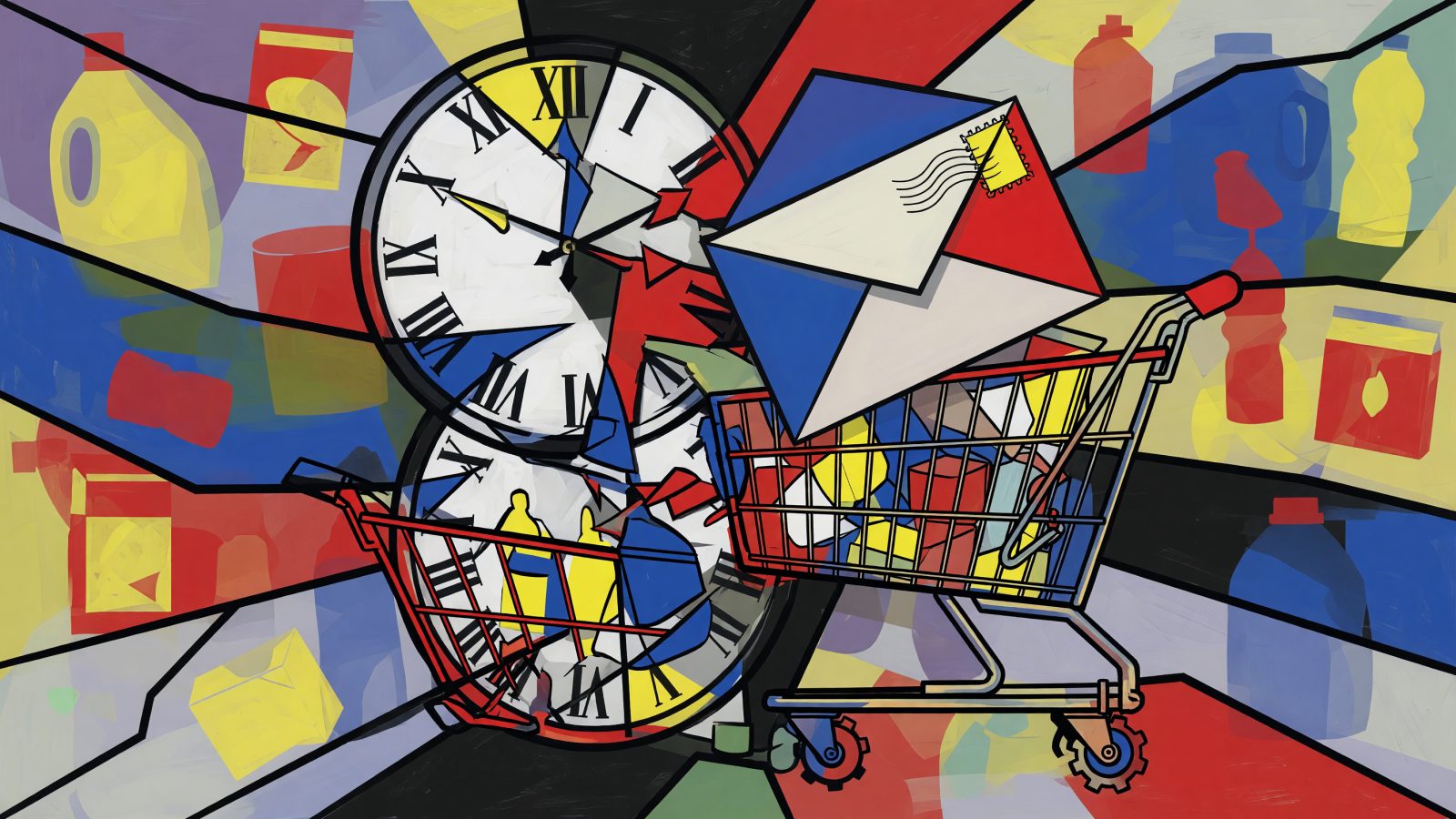
You send a “time to reorder” email on day 30 because that’s what the spreadsheet says. But your customer’s 15 lb bag of dog food ran out on day 20. They bought from a competitor yesterday. That’s the hidden revenue leak in manual reorder campaigns. AI email reorder automation fixes it by predicting each customer’s actual refill moment, not guessing.
The Hidden Revenue Leak in Manual Reorder Campaigns
Most brands rely on batch-and-blast reorder emails based on fixed intervals. They assume every customer consumes a product at the same rate. Reality disagrees. A pet food brand sends a “time to reorder” email on day 30 for a 15 lb bag. But a multi-dog household finishes that bag in 20 days. By day 30, they’ve already bought from a competitor — and your email lands like an afterthought.
The damage compounds. Mistimed reorder emails can reduce repeat purchase rates by up to 25%, based on EmailFlow AI internal data. Too early, and customers feel annoyed. Too late, and they’ve moved on. Without AI, you’re guessing. That erodes trust and quietly drains revenue from customers who wanted to buy again.
How AI Predicts the Perfect Reorder Moment
AI email reorder automation starts with each customer’s own purchase history. The model analyzes product quantity, weight, and typical consumption patterns to calculate a personalized inter-purchase interval. A 30-day supply of vitamins doesn’t mean every customer reorders on day 30. Some finish early; some stretch it out.
Machine learning refines those predictions over time. It picks up on order frequency shifts, seasonal changes (more sunscreen in summer, more lip balm in winter), and even external signals like local weather. Take a coffee subscription. AI detects a customer consistently reorders a 2 lb bag every 18 days, not the standard 30. It triggers a reminder on day 16 with a “running low?” message. That’s the right moment.
AI also factors in product lifecycle. For durable goods like water filters, it uses manufacturer-recommended replacement cycles plus actual usage data from smart devices when available. This isn’t a fixed rule. It’s a dynamic prediction that adapts to each individual. In one EmailFlow AI case study, that approach boosted open rates by more than 40% compared to static campaigns.
Tools & Integrations to Power AI Reorder Email Automation
EmailFlow AI’s native predictive engine plugs directly into Shopify, WooCommerce, or Magento. It pulls order data and builds a propensity-to-reorder score for every customer. No manual modeling required. You get a ranked list of who’s likely to reorder in the next 7 days, 14 days, or 30 days.
For deeper email workflows, pair it with Klaviyo or SendGrid. Use Rebuy for personalized product recommendations inside reorder emails. Zapier connects niche e-commerce platforms that lack native integrations. The flow works like this: EmailFlow AI calculates the optimal send time, then triggers a personalized email through your ESP with dynamic content — exact product, quantity, and a one-click reorder link.
A beauty brand running EmailFlow AI plus Klaviyo saw a 22% lift in repeat purchases within 3 months. They automated replenishment emails for skincare serums based on bottle size and average daily usage. Setup was no-code. Marketers configured the AI to monitor specific products and set guardrails, like never email more than once every 14 days, without developer help.
Crafting Hyper-Personalized Reorder Emails That Convert
AI timing is only half the battle. The email content must reflect each customer’s journey. Use dynamic fields for product name, image, last purchase date, and a personalized subject line like “Sarah, your 30-day vitamin supply is almost out.” One generic “reorder now” email won’t do.
Add behavioral triggers where they help. If a customer browsed a complementary product, include a cross-sell block — “Out of moisturizer? Try our new night cream.” Rebuy or Nosto can automate that. Offer optimization matters too. AI can test discount depth versus no discount based on reorder likelihood. High-propensity customers often don’t need a coupon; lapsed ones might need 10% off to return.
A diaper brand used this well. Their email showed a countdown timer — “Estimated 5 days left” — based on the baby’s age and box size, plus a “Subscribe & Save 15%” option. Click-to-conversion hit 35%. Keep the tone helpful, though. “We thought you might be running low” works better than “We know you used the last diaper.”
Segmentation & Targeting: Who Gets the AI Reorder Nudge?
Not every customer should receive a reorder email. AI segments users into high-propensity (likely to reorder within 7 days), medium, and low groups based on their reorder score. High-propensity customers get a gentle reminder with one-click reorder and no discount — they’re already loyal. Medium-propensity customers get a small incentive like free shipping. Low-propensity customers get suppressed or routed into a win-back series instead.
Exclusion rules are essential. Automatically skip customers who already reordered, unsubscribed, or have a pending order. AI syncs with your e-commerce platform in real time, so you never send a reminder for a product that just shipped. You can also create reorder windows: cluster customers with similar consumption patterns (like monthly coffee buyers) and schedule emails within a 3-day window, but personalize the exact day per user.
A supplement brand using EmailFlow AI’s segmentation reduced unsubscribes by 18% while increasing reorder revenue by 27%. The difference was simple: emails felt timely, not spammy.
Measuring Success & Avoiding the Unsubscribe Trap
Open rates won’t tell you enough. Track reorder conversion rate — emails that lead to a repeat purchase within 48 hours — plus incremental revenue per email and customer lifetime value lift. Set up a control group: compare AI-triggered reorder emails against a holdout group receiving no reorder emails or a generic monthly campaign. The net revenue difference is what AI actually contributes.
Watch unsubscribe rates and spam complaints closely. If they spike, the model’s frequency or timing may be off. Adjust sensitivity or add a global frequency cap — max 2 reorder emails per month, for example. Use A/B testing within the AI for subject lines, offer types, and send times. The AI learns which variants perform best for each segment and auto-optimizes.
A snack box brand learned this the hard way. Their AI was too aggressive, and unsubscribe rates hit 15%. After they added a 7-day cooldown and a preference center, unsubscribes dropped to 2% while reorder revenue held steady. That’s the balance you want.
When done right, AI email reorder automation can contribute 20-30% of total repeat purchase revenue. It turns one-time buyers into lifelong customers — not by emailing more, but by emailing at the exact moment they need a refill. That’s the whole game.
Keep reading

AI-Powered Email Marketing for Influencers: Automate Fan Engagement and Sponsorship Deals
AI-Powered Email Cross-Sell Automation: Turn One Purchase into a Bundle of Revenue