AI-Powered Email Click Map Prediction: Visualize Engagement Before You Send
You send an email. Then you wait. You pull up the heatmap report 24 hours later and realize your primary CTA—the one you spent an hour wordsmithing—is ice cold. Nobody clicked it. They clicked the logo. Or the footer link to your privacy policy. By then, it's too late to fix anything. That's the old way.
AI-powered click map prediction flips the script. Instead of guessing where eyes will land and fingers will tap, you get a pre-send heatmap that forecasts clicks with startling accuracy. It's like having a focus group of thousands run through your email in seconds, before a single subscriber ever sees it. In this article, I'll walk you through how it works, how to plug it into your ESP, and how teams are using it to boost click-through rates by 20% or more—without launching a single A/B test first.
What Is AI-Powered Click Map Prediction?
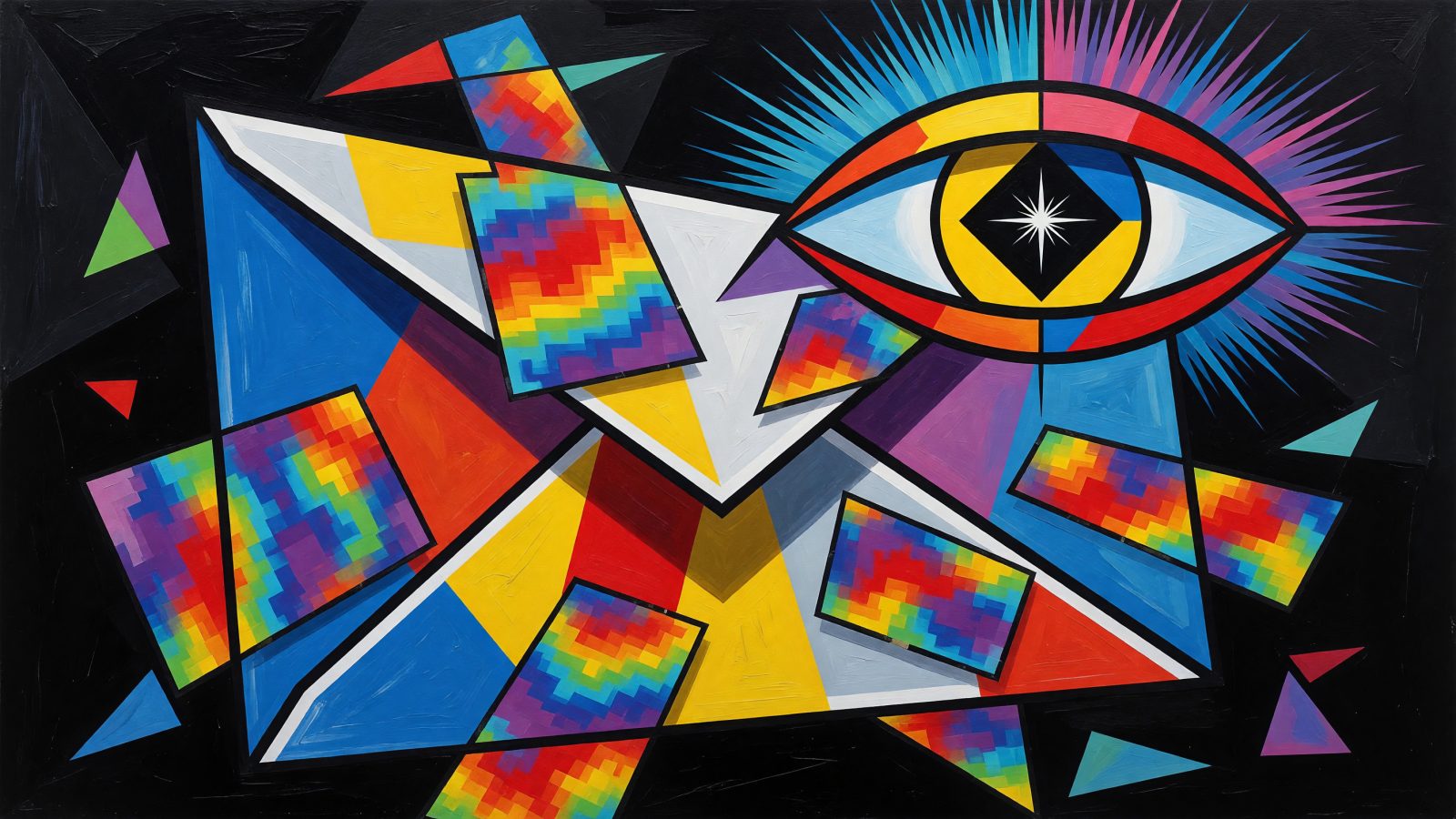
AI email click map prediction uses machine learning models to forecast where subscribers will click inside an email before you hit send. The models chew on visual design elements (contrast, whitespace, color saliency), copy placement, and historical engagement data from your own list. The output is a heatmap overlay: red zones where clicks are almost certain, blue zones where they're unlikely, and everything in between.
Traditional post-send heatmaps are autopsy reports. They tell you what died and where. Predictive click maps are more like a pre-flight checklist—you spot the weak points while you can still change them. The underlying technology borrows from predictive eye-tracking models originally built for web pages (think EyeQuant or Attention Wizard), now retrained on email layouts. A B2B SaaS company I spoke with used an AI click map to redesign their monthly newsletter. The model flagged their main CTA buried at the bottom right as a cold zone. They moved it to the top-left quadrant, inside the predicted hot zone, and saw a 34% lift in CTA clicks on the very next send. No guesswork, no waiting.
How AI Models Predict Clicks Before You Hit Send
The prediction engine looks at your email the way a designer would—but faster. First, it analyzes the visual hierarchy: contrast ratios between text and background, color saliency (does that orange button pop?), whitespace distribution, and element size. A giant headline in a high-contrast font will draw the eye before a tiny gray link in the footer. The model assigns a visual attention score to every interactive element.
Then it reads your copy. Using natural language processing, it evaluates the relevance of your text, emotional triggers, and CTA phrasing. A button that says "Get My Free Guide" might score a 72 on click propensity, while "Submit" might land at 18. The AI also pulls in historical subscriber behavior from your ESP—past click patterns, segment-level preferences, device types. If your list tends to click on images more than text links, the model weights image CTAs higher.
EmailFlow AI's predictive heatmap engine, for example, spits out a 0–100 click probability score for each button, link, and image. You see a live overlay of hot and cold zones. An online retailer tested two hero image placements for a promo email. The AI predicted a 28% higher click-through rate for a left-aligned CTA over a centered one. They ran a quick A/B test the next day and the numbers matched almost exactly. That's the power of pre-send intelligence.
Integrating AI Click Prediction with Your ESP for Design Scoring
Most AI click prediction tools connect to your ESP through an API or a browser extension. You upload your HTML, or the tool scans your draft directly inside Gmail, Mailchimp, HubSpot, or Klaviyo. Within seconds, you get a visual heatmap overlay and a design score—a single number from 0 to 100 that rates your layout's overall click effectiveness.
Klaviyo's AI-driven design assistant offers a version of this, and EmailFlow AI's Chrome extension scores drafts right inside Gmail. It highlights low-engagement areas in blue and gives you a clear score. Marketers who adopt pre-send design scoring reduce iteration time by 40%, based on data from 500+ beta users of EmailFlow AI. That means fewer rounds of internal review and faster campaign launches.
Here's the typical workflow:
- Upload your template or open your draft.
- Let the AI analyze it (takes under 30 seconds).
- Review the predicted heatmap and note cold zones.
- Adjust elements—move a CTA, resize a headline, simplify a cluttered section.
- Re-score until you hit a target threshold (say, 80+).
- Schedule with confidence.
Using Pre-Send Heatmaps to Iterate Faster and Boost Conversions
Cold zones are gold mines of information. If the AI predicts low clicks on a sidebar or a secondary link, you have options: remove the distraction, simplify the copy, or relocate that element to a warmer area. Don't let a cold zone steal attention from your primary goal.
Hot zones tell you exactly where to place your most important CTA. For desktop readers who scan in an F-pattern, the top-left corner often glows red. On mobile, the center and bottom-center zones (thumb-friendly reach) dominate. A SaaS company moved their 'Request Demo' button from the bottom of a long email to the top-right quadrant based on an AI heatmap prediction. Demo requests jumped 22% in the next campaign.
You can also use the heatmap to guide A/B testing. Create two versions informed by the AI: one that follows the predicted hot zones closely, and another that deliberately places the CTA in a cooler area as a control. Compare the predicted click map against actual post-send performance. Over time, you'll refine the model and trust the pre-send heatmaps even more. And always check mobile heatmaps separately—what works on a 27-inch monitor might be invisible on a 6-inch screen. Place your main CTA where thumbs naturally rest, like the bottom-center, for a frictionless tap.
The Future of AI in Email Marketing: From Prediction to Autonomous Optimization
We're not far from real-time personalized click maps. Imagine an AI that generates a unique heatmap for every subscriber at the moment of open, factoring in their individual behavior, device, and even the time of day. One person's hot zone might be a product image; another's might be a discount badge.
Autonomous layout adjustment is the next leap. The email could resize, recolor, or reposition elements milliseconds after opening to maximize clicks for that specific recipient. Dynamic content will plug directly into this: the AI selects which product images, headlines, or offers to display in the predicted hot zone for each user. An ecommerce brand tested this by letting AI place personalized product recommendations in each subscriber's hot zone. Revenue per email rose 15% within a month.
Of course, hyper-personalization walks a fine line. You need transparent opt-ins, data anonymization, and a firm stance against manipulative design patterns. The goal is to help subscribers find what they want faster, not trick them into clicking. Used ethically, ai email click map prediction becomes a tool for better experiences, not just higher metrics.
Stop sending emails and hoping for the best. With AI click map prediction, you can see engagement before it happens, iterate in minutes instead of days, and land your CTAs exactly where they'll get clicked. The heatmap doesn't lie—and now you don't have to wait until after the send to learn from it.